

CARM Client Portal Explained: What Importers Need to Know in Canada
- Verified & Reviewed · Last updated March 2026
If your business imports goods into Canada, understanding the CARM Client Portal is now essential. Many importers first hear about it from a customs broker, but they often only get a partial explanation. They know the portal matters, yet they are still unclear on what it does, who needs to use it, and how it affects customs clearance, duties and taxes, and account control.
This guide explains the CARM Client Portal in practical business language. It covers what the portal is, why it matters, who needs it, how registration works, and what importers should know about payment, financial security, and compliance.
CARM / CBSA
Business Registration
Customs Payment & Security
- Experienced China-based logistics specialists
Table of Contents
What Is the CARM Client Portal
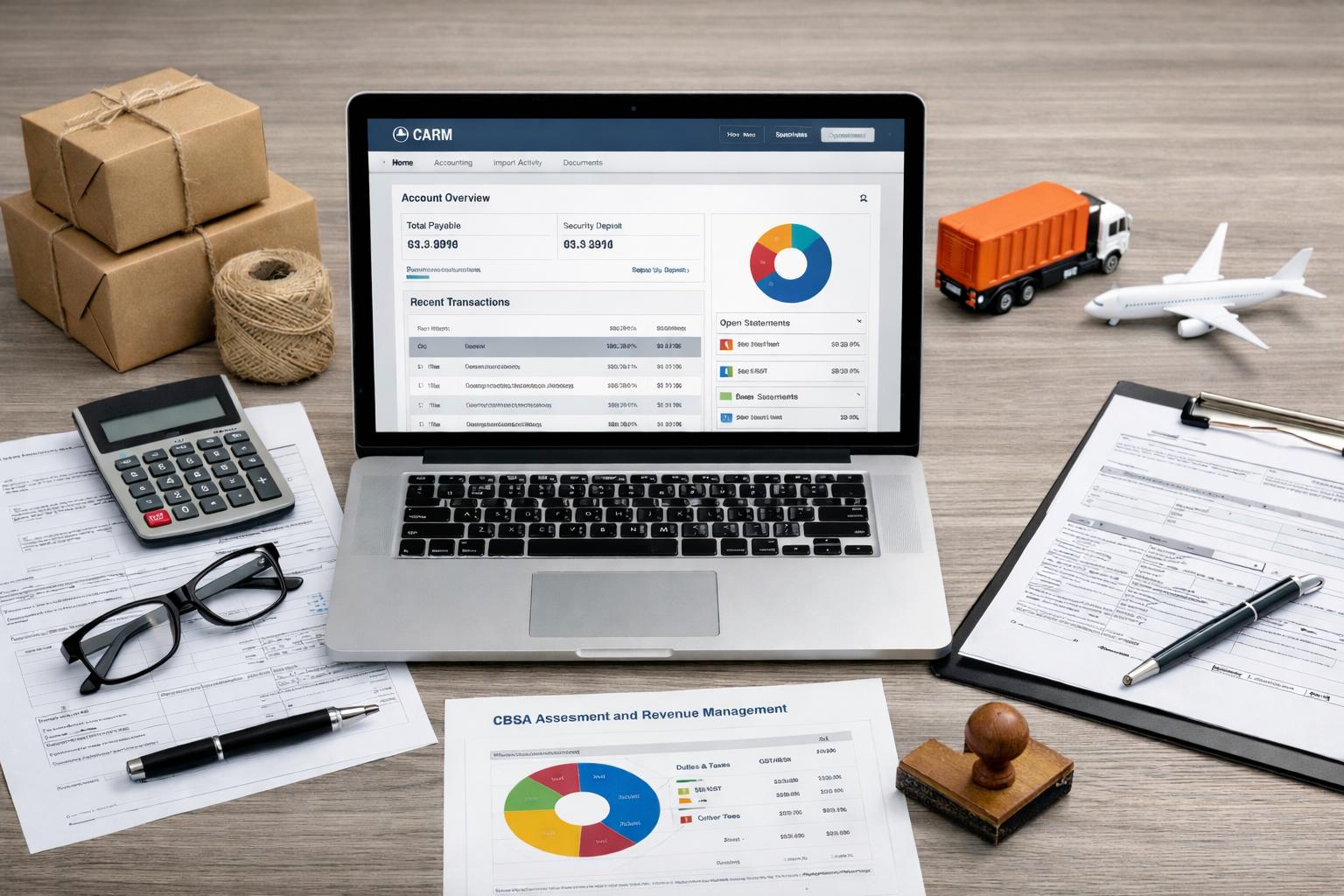
The CARM Client Portal is a secure online platform operated by the Canada Border Services Agency. It is the importer-facing part of CBSA Assessment and Revenue Management, the framework created to modernize customs accounting, billing, and revenue management in Canada.
In simple terms, the client portal allows a business to manage important customs-related account activity in one place. Instead of relying only on emails, paperwork, or updates from a broker, importers can use the portal to review records and manage key customs functions directly.
The portal is commonly used to:
review customs account information
monitor duties and taxes
manage payment
control user access
support financial security requirements
work with authorized representatives
For businesses handling commercial goods imported into Canada, the portal is now part of normal customs administration.
Why the CARM Client Portal Matters
The CARM Client Portal matters because importing is no longer only about getting goods released. It is also about maintaining the right account structure, controlling permissions, and making sure the importer can review and manage its customs obligations properly.
For many businesses, the biggest benefit is greater visibility. Instead of depending entirely on a customs broker, the importer can see more of its own customs activity directly inside the portal.
That matters because the portal helps businesses:
improve visibility over customs activity
reduce confusion about payment
track duties, taxes, and balances more clearly
support stronger compliance controls
coordinate more effectively with a broker
This is one of the clearest ways CARM affects importers in practice.
Who Needs to Use the CARM Client Portal
The portal is relevant for a wide range of users involved in commercial imports. That usually includes:
Canadian importers
non-resident importers
a customs broker
internal finance or operations staff
trade consultants
other trade chain partners
Any legal entity importing commercial goods into Canada may need to establish a CARM Client Portal account. Even when a broker handles customs support, the importer still needs its own portal account and its own understanding of the customs process.
How a CARM Client Portal Account Works
A CARM Client Portal account is the importer’s working environment inside the portal. It is where the business manages records, permissions, and key customs-related activity.
A proper CARM Client Portal account should match the real structure of the importing business. That means the right business identifiers, the right users, and the right access levels all need to be set up correctly.
Account structure and business details
A properly set up account should reflect the real business behind the imports. This usually includes the correct business number, the related program account, and the appropriate RM account used for customs and revenue management. These details connect the importer to the right customs records and help ensure the portal works as expected.
If any of these details are missing or incorrect, the business may face problems with account visibility, access, or customs administration later on.
User roles and account control
A CARM account can include multiple users, but not everyone should have the same level of access. Some people may only need to view records, while others may need permission to manage account details or support payment-related tasks. Many businesses also assign a Business Account Manager to oversee permissions and keep the account organized.
The business can also give limited authority to other approved users, such as finance staff, internal team members, or a customs broker, depending on operational needs. A clear permission structure makes the account easier to manage and reduces confusion over who controls what.
How to Register in the CARM Portal
To register, a business should prepare its core information before starting the setup process. Registration is not just an administrative task. It is part of building a customs-ready account structure.
What to prepare before you register
Before you register, make sure you have confirmed:
the correct legal entity
the correct business number
the correct program account
who will act as the Business Account Manager
what kind of user access will be needed
This preparation makes the setup process much smoother.
What happens during setup
During setup, the business creates its account presence, links the correct details, and assigns the first authorized user. In many cases, that first user becomes the Business Account Manager, who then manages permissions and account control.
This stage is often described as the portal’s onboarding process. A smooth portal’s onboarding process helps the business avoid access issues and makes later customs administration easier. After registration, the business can:
add other approved users
request access for representatives if needed
review the account structure for accuracy
assign the right permission levels
Once setup is complete, the importer should confirm that the account information is correct and that the right users have the right level of access.
Duties, Taxes, and Payment Management in CARM
One of the most important functions of the CARM Client Portal is helping importers manage duties and taxes more clearly. For any business importing goods into Canada, customs charges affect more than just the final landed cost. They also affect cash flow, internal planning, and overall account control.
Through the portal, businesses can:
review customs-related account information
monitor duties and taxes
check balances and payment status
prepare to pay duties on time
keep better control over customs costs
This direct visibility helps importers understand what they owe and when action may be needed. It also makes payment management more transparent, especially for businesses that handle regular shipments.
For many importers, this is one of the most practical benefits of the system. A business that can review its own customs charges directly is usually in a stronger position to manage duties, avoid missed obligations, and maintain better compliance.
Release Prior to Payment and Financial Security
Another major topic in the CARM portal is Release Prior to Payment. For frequent importers, this can be important because it helps goods move before final customs amounts are fully settled, subject to customs requirements.
What Release Prior to Payment means
Release Prior to Payment allows eligible shipments to move forward before final settlement is completed. For many businesses, release prior to payment can support smoother operations and reduce avoidable delays. That is why the topic of release prior matters so much in day-to-day customs planning.
Required financial security and security options
To support release privileges, an importer may need financial security. In some cases, the importer must maintain the required financial security to qualify.
Common security options include:
surety bond
cash bond
cash deposit
This is often called RPP security. Some businesses choose to arrange their own financial security depending on shipment volume and internal policy.

How the Portal Changes the Role of the Customs Broker
The CARM Client Portal does not remove the need for a customs broker, but it changes the relationship between importer and broker.
Under the new model, the importer is expected to maintain direct visibility into its own account, while the broker continues to support filing, coordination, and compliance questions. If needed, the importer can request access for a broker or other representative and can also delegate authority in a controlled way.
This creates a more balanced structure:
the importer keeps more control
the broker still provides operational support
permissions can be assigned more clearly
accountability improves on both sides
For many businesses, this is a practical improvement rather than a burden.
Classification, Rulings, and Compliance Support
Good customs administration is not only about payment and permissions. Importers also need to understand how goods are classified and how rulings may apply.
Tariff classification and imported commercial goods
Correct tariff classification affects duties, customs treatment, and compliance. If an importer does not properly classify goods, it may face corrections, delays, or broader customs issues.
This is especially important for:
technical products
high-value shipments
unusual cargo
Advance ruling, request rulings, and ruling letters
When classification is unclear, a business may seek an advance ruling or request rulings before shipment. Reviewing ruling letters can also help importers understand how customs may treat certain products. In more complex situations, national customs ruling programs may also become relevant.
CBSA Assessment and Revenue Management in Practice
The portal is only one part of the larger customs model. It sits inside CBSA assessment, CBSA assessment and revenue, and the broader assessment and revenue management structure.
For importers, that means customs accounting, statements, and payment are becoming more centralized and easier to review. The wider CARM system is part of this modernization effort, and it also connects more closely with digital customs workflows such as electronic data interchange and the review of an accounting declaration for imported goods.
In practice, businesses may see the impact in areas such as:
account visibility
billing review
security management
release planning
internal customs control
This is part of the broader CARM impact on importing into Canada.
Common Challenges and Best Practices
Although the CARM Client Portal gives importers more control, some businesses still run into avoidable problems during setup and daily use. In most cases, the issue is not the portal itself. The problem is usually incomplete account setup, unclear user permissions, or weak internal follow-up.
Some of the most common challenges include:
only one person controlling the account
incorrect business details during registration
missing or inactive financial security
unclear authority for staff or a customs broker
poor visibility over duties and taxes
The best way to avoid these issues is to set up the account carefully from the beginning and review it regularly. Businesses should make sure the correct business number and account details are used, assign a reliable Business Account Manager, and give the right users the right level of access. It is also important to confirm security arrangements early if the company plans to use Release Prior to Payment.
For most importers, the best practices are straightforward:
prepare registration details in advance
keep more than one approved account manager if possible
review permissions for staff and outside representatives
monitor customs charges and payment status regularly
make sure security requirements are active before shipments arrive
When the account is organizeshipping from china to halifaxd well, the portal becomes much easier to use and much less likely to cause delays.
Frequently Asked Questions
The CARM Client Portal is the secure online client portal used by the Canada Border Services Agency to help importers manage customs-related account, payment, and compliance activity.
Any business involved in commercial imports may need a CARM Client Portal account, including resident importers, non-resident importers, and companies working with a customs broker or other representatives.
CARM stands for CBSA Assessment and Revenue Management.
Yes. A customs broker can be granted access, but the importer should still maintain control of its own portal account.
Financial security supports certain customs privileges, including Release Prior to Payment, and may involve a surety bond, cash bond, or cash deposit.
Related Canada Import Guides
Need Help With CARM Client Portal Setup or Shipping to Canada?
Support for CARM registration and account setup
Guidance on duties, taxes, and financial security
Shipping solutions from China to Canada with experienced support
Get practical support for CARM preparation, customs planning, and shipping solutions for your Canada imports.